
How to Get Certified Copy of Sale Deed in Navi Mumbai
If you need a certified copy of a sale deed in Navi Mumbai, the process is usually simple once you have three things: the correct Sub-Registrar office, the document number, and the year of registration. In Maharashtra, you can start with the IGR portals for Index II and document search, and if that does not solve it, you can apply at the relevant Sub-Registrar office for a certified copy of the registered document. The legal basis for giving copies comes under Section 57 of the Registration Act, 1908 and Rule 73 of the Maharashtra Registration Rules.
Quick Summary
| What you need | Best route |
|---|---|
| Only proof that the document exists | Check Index II through the free eSearch route |
| Full copy of the registered sale deed | Use paid eSearch where available, or apply to the Sub-Registrar |
| You do not know the document number | Start with search by property or document details |
| Original deed is lost | Certified copy is the practical replacement for legal and property work |
| Property is in Panvel, Ulwe, Uran side | Check the Raigad-side Sub-Registrar office |
| Property is in Belapur, Nerul, Koparkhairane side | Check the Thane-side Sub-Registrar office |
The Maharashtra Registration and Stamps Department says free search is available to view Index II for registered documents from 1985 onward, and paid eSearch is available for title search with copy of the document since 1985.
What a Certified Copy of Sale Deed Actually Means
A certified copy is an officially issued copy of the registered sale deed kept in government records. It is not the same as a simple photocopy from your file, and it is also not the same as Index II. Index II is only a summary record of the transaction. If a bank, lawyer, society, buyer, or court-related process asks for the registered sale deed copy, they usually mean the full certified copy, not just Index II. The IGR system separately lists certified copy of document and certified copy of index as different services.
When People in Navi Mumbai Usually Need It
In Navi Mumbai, people usually search for this document in a few common situations. The original deed is lost. A bank or lawyer wants title papers. A society transfer or resale is happening. Mutation, inheritance, redevelopment, family settlement, or legal verification is pending.
This matters even more in Navi Mumbai because many owners bought long back in nodes like Nerul, Belapur, Vashi, Koparkhairane, Kharghar, Panvel, Ulwe, and Kamothe, and the original paperwork is often missing, damaged, or with an old lender. A certified copy helps bring the transaction back into a usable form. The state department’s eSearch system was specifically built to reduce repeated office visits for transaction history and document retrieval.
What Details You Should Collect First
Before you start, collect as much of this as possible:
- Document number
- Year of registration
- Name of Sub-Registrar office
- Property number, survey number, CTS number, plot number, or flat number
- Seller or buyer name
- Area or village name used in registration records
This step saves time. The free eSearch guide says search can be done by property details or by document number. The manual also says document-number search needs registration type, district, SRO, year, and document number.
Online Way to Get the Sale Deed Copy
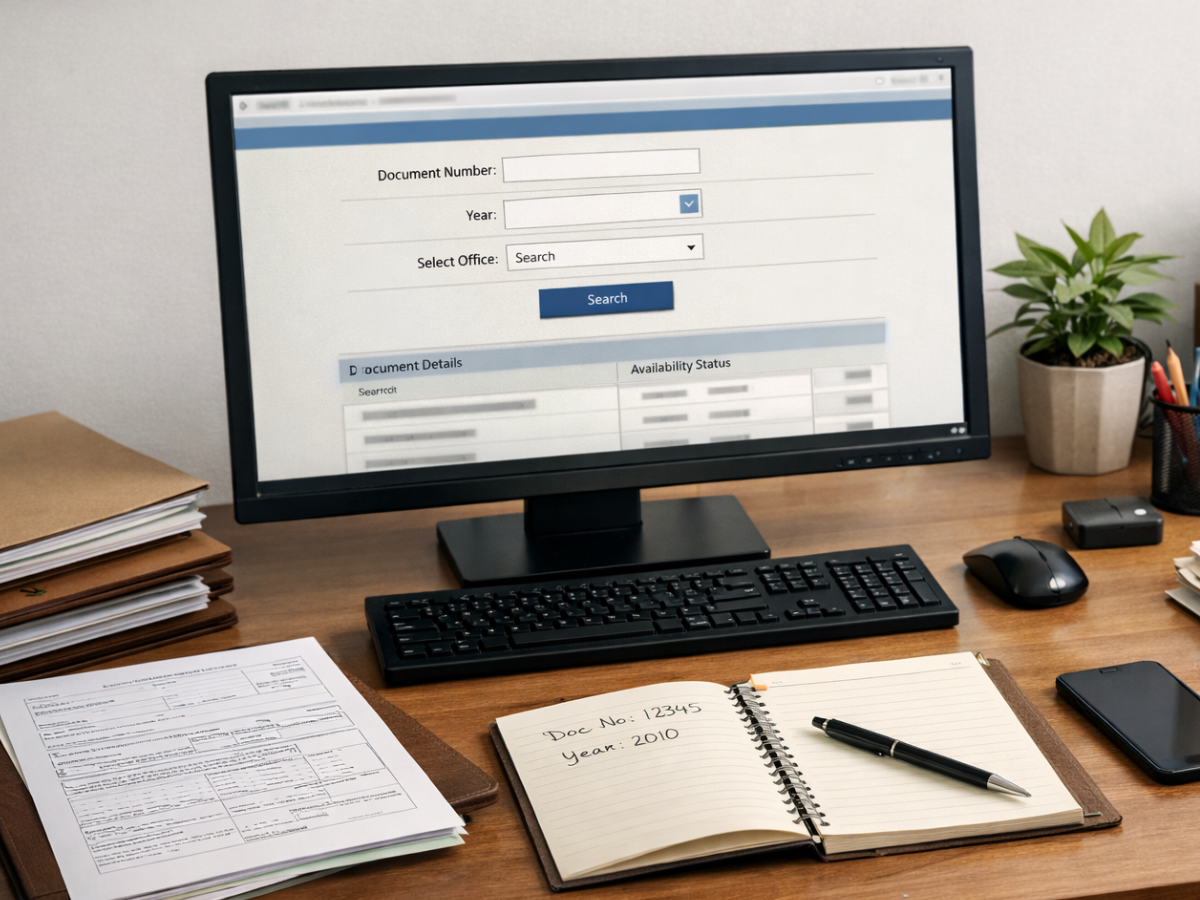
1) Start with free search or Index II
The simplest first step is the free IGR search route. The department says Index II for registered documents from 1985 onward can be viewed through the free eSearch portal. This is useful when you only need to confirm the registration details or identify the exact document number and year before asking for the full copy.
2) Use paid eSearch for document copy
If you need the actual document, the department’s eSearch pages say the paid portal allows title search and copy of the document since 1985, and the eSearch service description says users can search property-wise, search document-wise, and download scanned copies of documents.
3) Use portal-based digital copy where available
The department’s E-Praman manual shows a route for “Digitally Signed Copy of Document.” The steps shown there are: select district, select SRO office, enter document number, select year, apply for the document, enter number of pages, and then make payment through Pay2IGR and GRAS using internet banking, bank counter, payment gateway, or UPI.
Ground reality on the online route
This is where people get confused. Online search and online document access are not the same thing. Free search helps you identify the document. Paid search may help you get the scanned document. A digitally signed certified copy route also exists in the department workflow, but service availability can vary by office and rollout stage. The department separately announced a digital certified copy initiative under “E-Praman” on a pilot basis in Satara from September 2025, so it is smart not to assume every Navi Mumbai document will be issued fully online in the exact same way.
Offline Way Through the Sub-Registrar Office
If the online route does not work, the office route is still very practical.
You can apply for a certified copy of a registered document at the relevant Sub-Registrar office. The department’s forms page lists “Certified Copy of Document” as a formal service, and the copy-and-search section separately provides the process and application form for it. The citizen charter says the application should mention the document number and year of registration, and the application should be attached with a Rs 5 court fee stamp.
Basic offline flow
1. Identify the correct SRO where the sale deed was registered 2. Fill the certified copy application 3. Mention document number and year 4. Attach the required court fee stamp 5. Pay copying charges 6. Submit the request 7. Collect the certified copy when ready
If you do not know the exact document number, the citizen charter also lists search as a separate service. It says search can be requested for a specific document, a property, or a person’s name, with fees charged accordingly.
Which Office May Apply in Navi Mumbai
This is one of the biggest local confusion points.
“Navi Mumbai” is not one single registration office area. The correct office depends on where the property was registered. On the Thane-side office list, the department currently shows Sub-Registrar offices in CBD Belapur, Nerul, and Koparkhairane. On the Raigad-side list, it shows Panvel offices in New Panvel and Panvel Industrial Estate, along with an Uran office.
That means:
- Belapur, Nerul, Koparkhairane side documents may fall under Thane district registration offices
- Panvel, Ulwe, Uran, Kamothe, Kharghar extension side documents may often connect to Raigad-side offices depending on where the deed was registered
Do not choose the office based on where you live today. Choose it based on where the document was actually registered. That one mistake wastes a lot of time in Navi Mumbai property work.
[Internal Link: How to Find the Right Sub-Registrar Office in Navi Mumbai]
Fees and Expected Time
The department’s citizen charter gives a useful baseline for the physical certified-copy process.
For a certified copy of a document, it lists:
- Rs 5 per page if the copy is given by photocopy or print of a document registered through the computerized registration system
- Rs 20 per page if the copy has to be taken from old negative records or handwritten copy
- Rs 20 stamp duty
- Rs 5 court fee stamp on the application
It also lists the expected time:
- After 2002 registered documents: within 5 days from payment of copying fees and submission of application
- Before 2002 registered documents: within 15 days from payment of copying fees and application
For search service, the same citizen charter lists:
- Rs 25 for search of a specific document number
- Rs 25 per year for property-wise or name-wise search, with a minimum charge of Rs 300 for the first 12 years, and Rs 25 per year after that
In practical terms, newer computerized deeds are usually easier. Very old records can take longer, especially if details are incomplete.
Common Mistakes People Make
Thinking Index II is enough
It is not. Index II is useful, but it is only a summary. For full legal checking, many times the actual sale deed copy is needed.
Going to the wrong office
A person in Kharghar may assume the nearest office is enough. That is not always true. The correct office is the one where the deed was registered.
Starting without the year or document number
You can still search, but the process becomes slower and more expensive. Always try to trace Index II first if possible.
Assuming everything is fully online
Some parts are online, especially search and document discovery. Full certified-copy issuance can still depend on document type, office, and portal availability.
Ignoring old-name spellings
Registration records often use older spellings of area or village names. The eSearch user guide itself mentions examples where spelling variation affects results.
A Simple Practical Route for Navi Mumbai Readers
If you want the least confusing route, do this:
First, search Index II and document details online. Second, note the exact document number, year, and office. Third, try paid eSearch or the digital-copy workflow where available. Fourth, if you still do not get the deed, file for certified copy at the correct Sub-Registrar office.
That sequence usually saves both time and repeat visits. It also works well for people dealing with older flats in Belapur, Nerul, Vashi side and for newer properties in Panvel, Ulwe, Kamothe, and nearby growth areas.
Conclusion
Getting a certified copy of a sale deed in Navi Mumbai is not difficult, but many people waste time because they start with the wrong office or the wrong document. The practical route is simple: first trace the document through IGR search tools, then move to paid document access or a formal certified-copy request at the correct Sub-Registrar office.
For most readers, the smartest first step is not to rush to an office. It is to first identify the document number, year, and registration office properly. Once those three details are clear, the rest of the process becomes much smoother.
FAQs
Frequently Asked Questions