
Mahape MIDC Transfer for Plots and Industrial Units
In Mahape, an MIDC transfer is not completed by private sale paperwork alone; the transferor and transferee must use MIDC’s Single Window Clearance transfer service, file the prescribed transfer request and supporting documents, clear applicable dues and NOCs, receive MIDC approval and demand processing, and only then finish assignment and record updates with MIDC’s citizen charter showing a 15-day service period only after a perfect application is submitted.
That one chain is the whole deal. Miss a link and the file either sits in a query loop or gets rejected at RO Mahape. This guide walks through how the transfer actually moves from the TTC tagging of “Mahape” plots, to what the buyer has to file, to the document triggers, the no-dues clearance, the deed of assignment, the transfer charge logic tied to prevailing rates, and the rejection patterns that catch clean-looking deals.
| Stage | What Actually Happens | Where It Sits |
|---|---|---|
| SWC filing | Online submission + physical document receipt | MIDC SWC portal → RO Mahape |
| Dues and NOC stage | No-dues certificate covering multiple obligation heads | RO Mahape |
| Approval + demand | MIDC issues transfer approval and transfer charge demand | MIDC Regional Office |
| Deed + record update | Deed of assignment executed, MIDC records updated | MIDC + Sub-Registrar |
| Citizen charter clock | 15 working days starts only on defect-free file | MIDC service norm |
Why “Mahape” Transfers Are Administered as TTC Industrial Area Assets
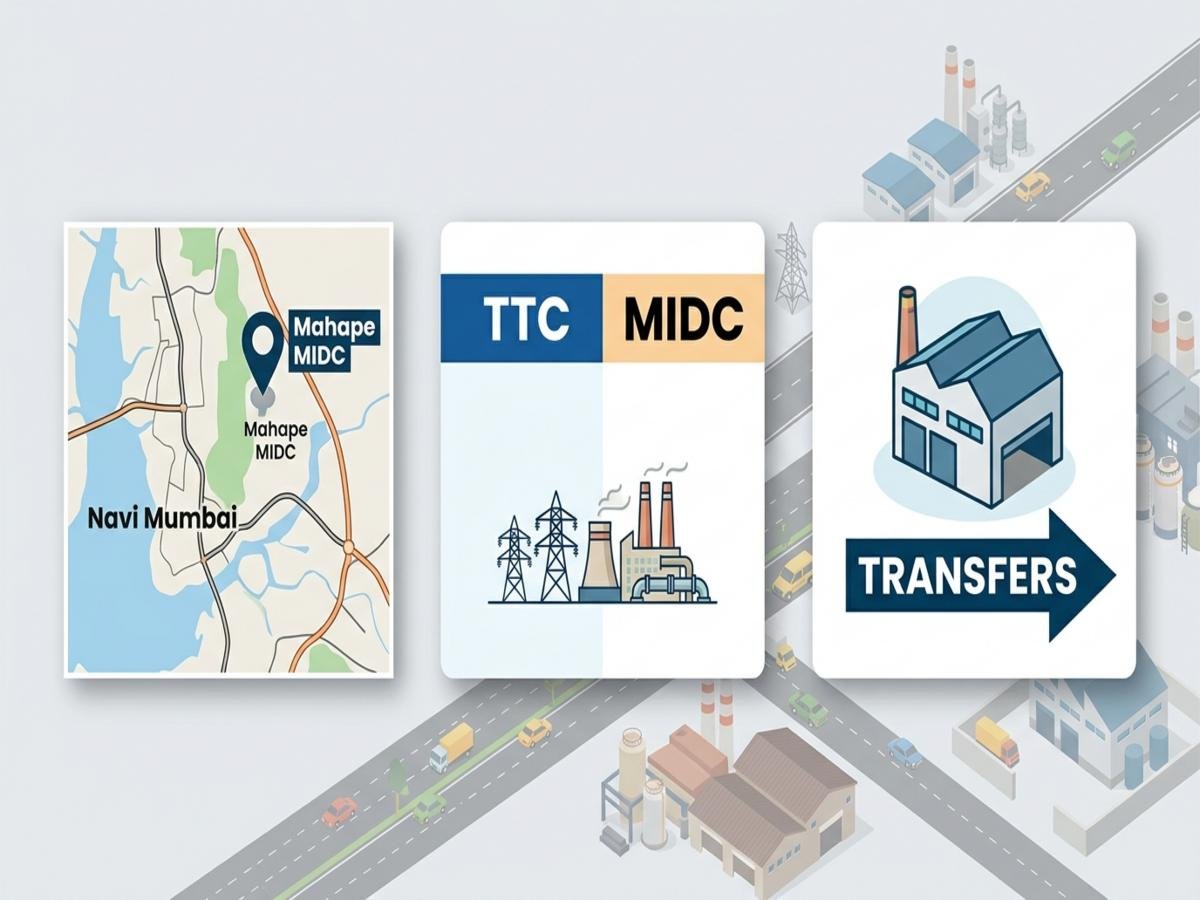
“Mahape plot” is how the market talks. MIDC’s file system does not. Mahape sits inside the Trans-Thane Creek (TTC) Industrial Area, and the administrative handler is Regional Office Mahape (RO Mahape). When you open the MIDC Single Window Clearance portal, the location field is TTC Industrial Area not Mahape. Fee schedules, prevailing rate notifications, and the transfer approval route all anchor to TTC, with RO Mahape as the receiving office.
This matters for three reasons. First, the submission location for physical documents is RO Mahape, not any other MIDC regional office. Second, the transfer charge math is driven by the TTC prevailing rate band, not a Mahape-specific rate. Third, any internal reference you pull allotment file, lease deed, prior transfer order will read “TTC Industrial Area” with a Mahape plot number, and both identifiers must match across every paper you submit.
Note: If your SWC filing, buyer documents, and lease papers mix “Mahape MIDC” and “TTC Industrial Area” inconsistently, expect a naming query before the file even starts moving.
For a deeper map of which pockets fall under RO Mahape, see TTC Industrial Area Explained: Which MIDC Areas in Navi Mumbai Fall Under RO Mahape?
MIDC Transfer vs. Change in Name vs. Sub-Lease vs. Sub-Letting: Which Application Are You Filing?
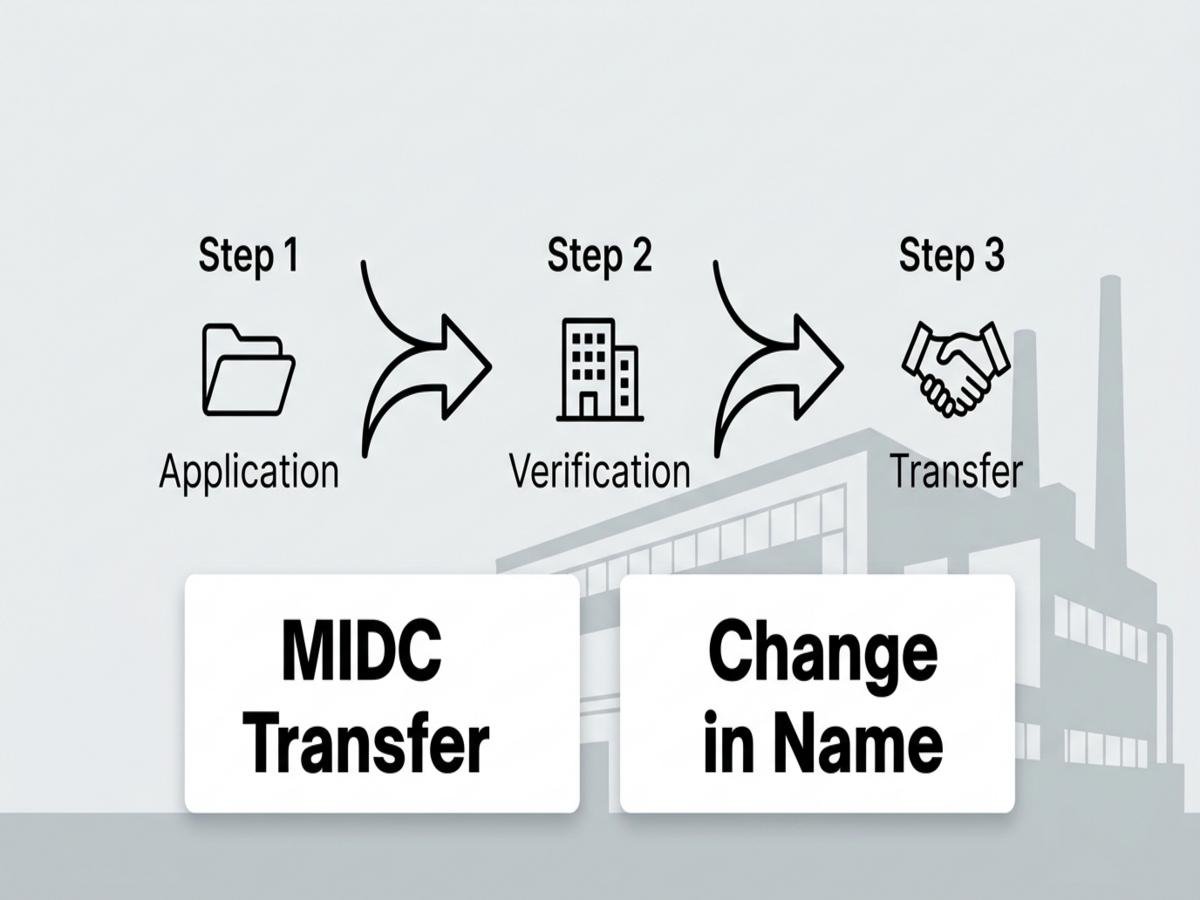
Four different MIDC services get mixed up in everyday conversations. They are not interchangeable, and filing the wrong one is a standard reason deals get stuck.
| Scenario | Correct MIDC Service | What It Actually Does |
|---|---|---|
| Company A sells the unit to Company B | Transfer | Moves leasehold rights from one legal entity to another |
| Company A becomes Company A Pvt Ltd (same entity, new name) | Change in Name | Updates the existing lessee’s title on the same lease |
| Lessee lets another party occupy the premises long-term under a secondary lease | Sub-Lease | Creates a second-tier leasehold; needs specific permission |
| Lessee allows an occupant to use part of the premises without a lease instrument | Sub-Letting | Occupant arrangement; commonly treated as unauthorised unless expressly permitted |
Sub-lease and sub-letting are not the same. A sub-lease is a formal instrument with defined rights; sub-letting is a looser occupancy that, in many lease terms, is treated as a breach. The practical effect depends on the specific lease you hold, so read it before calling anything by either name.
For a full walkthrough before you pick a service, see How to Read an MIDC Lease Agreement Before Transferring an Industrial Plot in Navi Mumbai and MIDC Sub-Lease and Sub-Letting in Navi Mumbai: The Difference That Changes Your Approval Risk.
What MIDC Asks the Buyer to Submit: Project Details, Investment Figures, and Utility Data Before the Transfer Starts
A common mistake is treating the buyer as a passive cosigner. They are not. On any MIDC transfer, the transferee (buyer) has to bring their own operational file, because MIDC approves transfers based on what the incoming user will do with the plot not just on the seller’s clean papers.
Standard buyer-side inputs on the transfer application include:
●Constitution of the buyer entity incorporation papers, partnership deed, LLP agreement, or similar
●Proposed project details line of manufacturing or service, item list, process summary
●Investment figures land, building, plant and machinery, working capital
●Employment projections direct and indirect, skilled and unskilled split
●Utility requirements power load (HP/kW), water requirement (KLD), effluent generation and category
●Built-up status existing BCC/FSI position for units with an existing structure, or proposed building plan for vacant plots
●Compliance declarations pollution category, hazardous material handling where applicable
The exact fields can vary with property type, prior approvals, and whether it is a plot or a built unit. A bare plot transfer and a running-unit transfer do not ask for the same paperwork. If you are unsure which track you are on, see MIDC Industrial Plot vs Industrial Gala in Navi Mumbai: Why the Approval File Changes.
The underlying point: if the buyer’s project data looks thin or inconsistent with the plot’s permitted use, the file will bounce back even if the seller’s side is spotless.
Scenario-Based Triggers for the MIDC Transfer Documents Required
There is no single blended document list that fits every Mahape transfer. The core file is standard; the additions are trigger-based. Match your situation, then add the extra paper because missing a trigger document at RO Mahape is a top reason files get parked.
| Trigger Condition | Additional Document Required | Operational Note |
|---|---|---|
| Property is mortgaged to a bank or NBFC | NOC from the lender releasing or consenting to the transfer | Without lender NOC, RO Mahape will not process the transfer even if the no-dues and buyer file are clean |
| Transferor is deceased transfer to legal heirs | Succession certificate / legal heir certificate, family tree, indemnity, NOC from other heirs | Missing any heir NOC creates a title objection that pauses the file until resolved in writing |
| Manufacturing item or line of activity is changing post-transfer | Revised project report, pollution consent where applicable, activity-change undertaking | If the new activity falls in a different category from the allotment, approval may need prior change-of-activity clearance |
| There was a prior transfer on the same plot | Copy of earlier transfer order, earlier deed of assignment, updated record | If the prior transfer record on MIDC’s side is incomplete, the current transfer cannot be logged cleanly |
| Built-up structure exists without updated BCC | Building plan sanction, occupancy/BCC or regularisation proof | Transfer can proceed but future compliance notices sit on the incoming buyer |
| Transfer between close relatives / group restructuring | Relationship proof, board resolutions, restructuring scheme where applicable | Charge treatment can differ in close-relative transfers; this must be declared up front, not argued later |
| Unit is under litigation or attachment | Court order / status declaration | Any undisclosed litigation discovered during MIDC verification is a direct rejection trigger |
Before buying, it helps to read the seller’s allotment letter so you know what the plot was originally sanctioned for How to Read an MIDC Allotment Letter Before Buying an Industrial Plot in Navi Mumbai covers exactly the fields that collide with transfer triggers.
The End-to-End MIDC Plot Transfer Procedure Through Single Window Clearanc
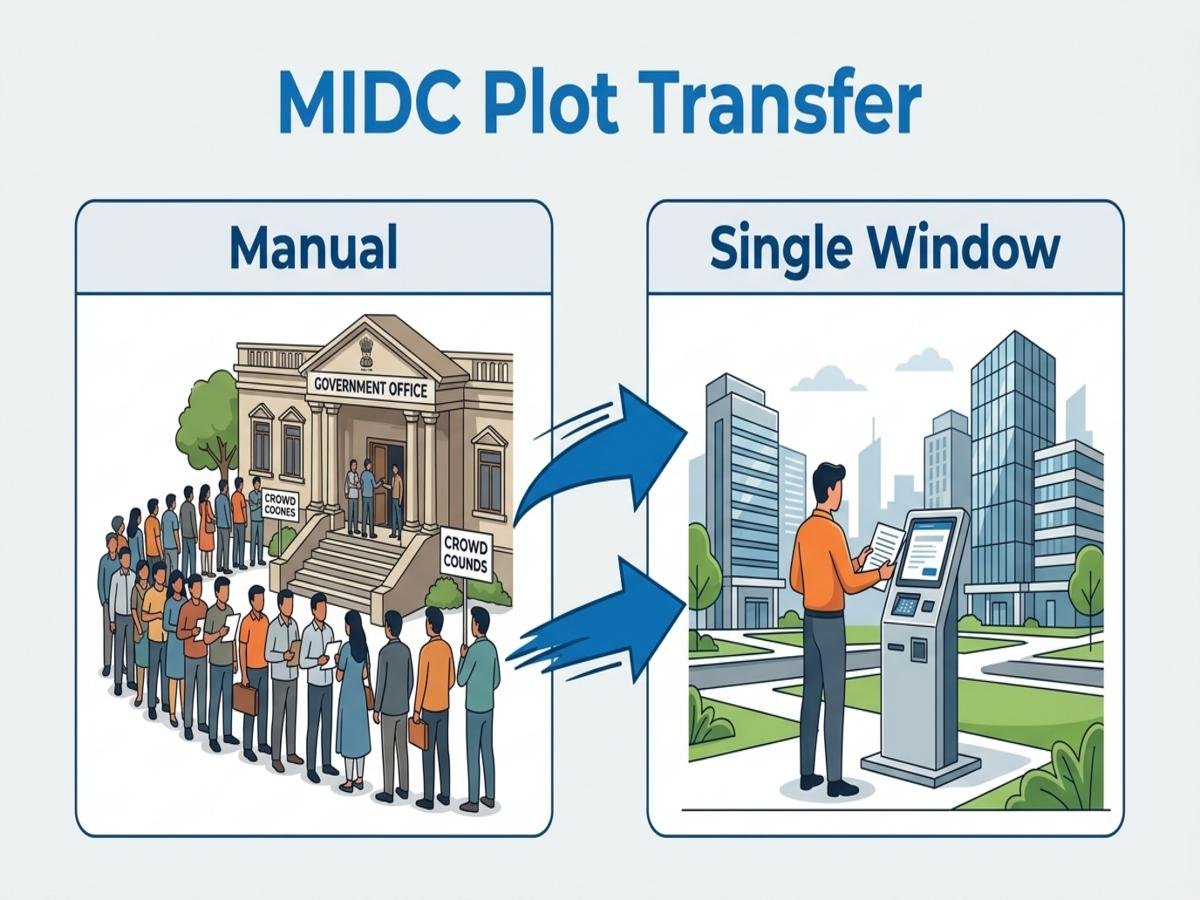
The journey moves through three gates: intake, clearance, and assignment. Done in order, it is predictable. Done out of order, it loops.
1. Initial SWC Filing and Physical Document Receipt
Step one is the MIDC Single Window Clearance portal. The transferor and transferee fill the transfer application online, upload the prescribed documents, and generate the SWC submission confirmation. That digital acceptance is not the end of intake the current MIDC process still requires physical submission of the signed application and certified documents at RO Mahape, where the office acknowledges receipt on the file.
This first stage is only about getting the file formally onto RO Mahape’s desk with a digital reference plus a physical acknowledgement. Keep the SWC reference number and the physical receipt together; both get cited later in every follow-up.
2. Securing the MIDC No Dues Certificate and Handling Query Loops
Next, RO Mahape runs the no-dues check. The MIDC no-dues certificate is not one line item it covers multiple obligation heads that have to be clear simultaneously: lease rent arrears, service charges, water dues, power-related dues where applicable, outstanding penalties, and any unpaid transfer charges from earlier transactions. One clearance receipt from one department does not settle every pending obligation; each head has to close on its own.
This is also where most files enter a query loop. Typical query causes:
●Legacy rent or service-charge arrears from earlier years
●Penalty entries tied to unauthorised construction or use
●Illegible or outdated uploads on SWC
●Name or plot-number mismatch between lease records and current filings
●Pending dues flagged by a different MIDC cell after initial clearance
Every query that goes back to the applicant effectively pauses the clock the citizen charter runs on. Re-submitting after a query is not the same as the original submission; the 15-day service norm restarts its behaviour only when the corrected file is accepted as defect-free.
For what RO Mahape actually tests on this head, see MIDC No Dues Certificate for Navi Mumbai Units: What Gets Checked Before Approval.
3. Executing the MIDC Deed of Assignment and Final Record Update
Once no-dues is closed and MIDC approves the transfer in principle, the office issues the transfer charge demand. The parties pay the demand, then execute the deed of assignment between transferor and transferee on the prescribed stamp, followed by registration where applicable. A certified copy goes back to MIDC so the lease record is updated in the transferee’s name.
Only after the MIDC record reflects the new lessee is the transfer operationally complete. Until then, the buyer is the economic owner on paper but not the MIDC-recognised lessee.
Calculating MIDC Transfer Charges Based on Mahape / TTC Prevailing Rates
Transfer charges in Mahape are not a flat rupee figure. They are driven by MIDC’s prevailing rate for TTC Industrial Area which is the land rate MIDC periodically revises for that industrial area and by the consideration amount of the transaction.
The working logic, in plain terms:
●MIDC compares the consideration amount declared between the parties with the TTC prevailing rate applicable to the plot
●The transfer charge is calculated as a percentage of whichever is higher
●The percentage itself varies by transaction type (arm’s-length sale, close-relative transfer, corporate restructuring, amalgamation, etc.)
●Close-relative and certain restructuring categories can attract different treatment which is why declaring the category up front matters
| Input That Changes the Charge | How It Moves the Math |
|---|---|
| TTC prevailing rate at the time of application | Sets the floor if consideration is below this, the rate takes over |
| Declared consideration | Becomes the base if it is higher than the prevailing rate |
| Transaction category | Decides the applicable percentage band |
| Timing of the demand vs. rate revision | A mid-process rate revision can change the final demand |
Because the prevailing rate is revised from time to time, a quote from a deal done last year is not a safe benchmark for a deal filed today. For the rate-revision angle specifically, MIDC Transfer Charges in TTC Industrial Area: How Prevailing Rates Change the Math goes deeper.
The practical discipline: never sign a transfer MoU with a fixed rupee assumption of MIDC transfer charges; sign it with a mechanism that references MIDC’s demand when it is issued.
The MIDC Transfer Timeline: When the 15-Day Citizen Charter Clock Starts and What Pauses It in RO Mahape
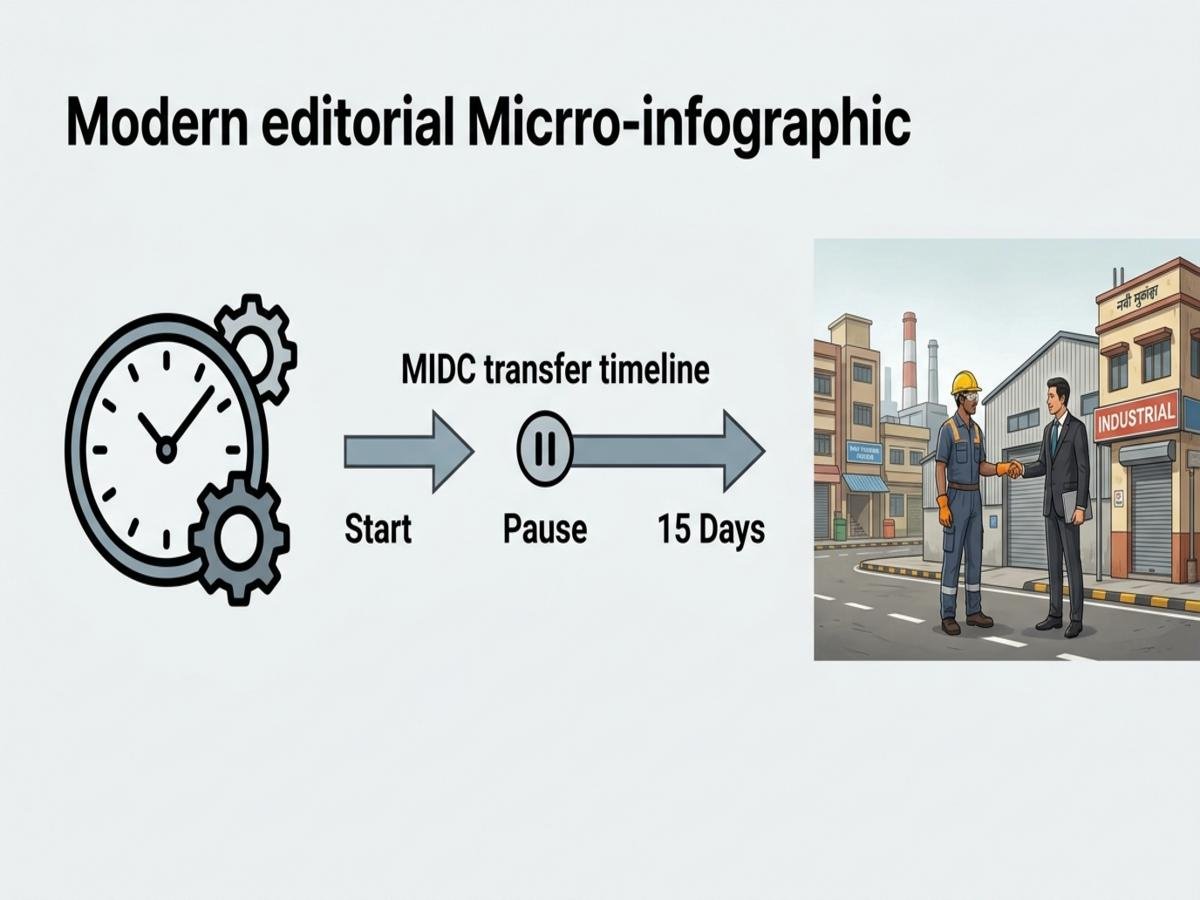
MIDC’s citizen charter lists a 15-day service period for transfer approval. That number gets quoted in broker conversations as if it were a delivery guarantee. It is not.
The 15-day window applies only after a complete, correctly classified, query-free application is accepted on file. On a real RO Mahape desk, the clock behaves like this:
●File received with a defect → query raised → clock does not run cleanly until the defect is cured
●File received clean but dues flagged → clock effectively pauses while no-dues is resolved
●File received clean, dues clean, but buyer-side data inconsistent → another query cycle
●Rate revision notification during the process → recalculation of demand, which extends the overall deal timeline even if formal approval is inside the charter
Note: Treat 15 days as the MIDC service norm on a perfect file, not the end-to-end deal calendar. Real Mahape transactions, from SWC filing to deed execution, usually take meaningfully longer because of the query-loop layer, dues resolution, and stamp/registration scheduling.
Planning a closing date on “15 days from filing” is the fastest way to break a deal schedule. Plan it on “15 days from the file becoming defect-free” and keep a cushion for the no-dues round.
Why Valid Industrial Plot Transfers in Navi Mumbai Still Face RO Mahape MIDC Rejections

Clean-looking transfers get rejected at RO Mahape for operational reasons, not only documentary ones. These are common triggers, not an exhaustive list:
●Uncleared dues across multiple heads rent cleared but service charges pending, or vice versa
●Unauthorised occupants on site sub-letting that does not match what MIDC has on record
●Use mismatch on-ground manufacturing activity different from the sanctioned activity in the allotment
●Unauthorised construction built-up area exceeding sanctioned BCC/FSI without regularisation
●Incomplete site records missing or outdated building plan, occupancy, or compliance papers
●Buyer-side inconsistency investment or utility figures that do not match the declared project
●Lease condition breaches period-of-implementation lapses, non-utilisation, or similar clauses invoked
Any one of these can turn a technically complete SWC filing into a rejection query. Most are fixable before filing, if they are looked at honestly.
Rejection-Risk Audit Before You File at RO Mahape
Run this audit on your own file before SWC submission. If any line is weak, fix it on paper first.
●Naming consistency check every document reads “TTC Industrial Area” with the correct Mahape plot number; no stray “Mahape MIDC” headers
●Service selection check confirm you are filing a Transfer, not a change in name, sub-lease, or sub-letting; the wrong service is a flat rejection
●Multi-head dues check obtain written confirmation, head by head, that rent, service charges, water, power-linked dues, and penalties are all nil
●Lease condition check confirm no live breach on period of implementation, use, or construction on the plot
●Built-up and BCC check reconcile on-site construction with sanctioned BCC/FSI; if there is a gap, flag it and carry regularisation papers
●Use-of-premises check on-ground activity matches the sanctioned activity; if it has drifted, align it before filing, not after
●Occupant check no undisclosed occupant on site; any sub-lease or sub-letting position is declared and backed by the correct instrument
●Buyer-file check constitution, project, investment, employment, power, water, effluent filled consistently and matching the buyer’s own board-approved plan
●Trigger-document check lender NOC, heir papers, prior transfer order, activity-change papers whichever trigger applies, that document is in the file
●Charge-mechanism check the MoU between transferor and transferee references MIDC’s actual transfer-charge demand, not a pre-assumed rupee number
●Receipt discipline SWC reference, physical acknowledgement from RO Mahape, and each no-dues clearance stored together for every follow-up
Before signing anything, Checklist Before Buying a Resale Industrial Unit in Mahape or TTC is worth one more read most rejection causes above are visible during diligence if the buyer asks the right questions early.
A Mahape transfer closes cleanly when the file respects the TTC administrative reality, the buyer brings real operational data, the document set matches the trigger, dues are closed across every head, and the charge is left as a mechanism not a guess. Miss any of those, and the file does not move, no matter how strong the sale paperwork looks on its own.
FAQs
Frequently Asked Questions